> For the complete documentation index, see [llms.txt](https://docs.meta-inf.hu/email-this-issue/llms.txt). Markdown versions of documentation pages are available by appending `.md` to page URLs; this page is available as [Markdown](https://docs.meta-inf.hu/email-this-issue/adding-editing-a-mail-handler/email-this-issue-for-jira-cloud-mail-handler-actions/approve-request.md).
# Approve request
Approve a Service Management Request if the sender is an assigned approver of the request and the request is waiting for approval.
If the issue is not a service management request, the app creates a log, and the handler continues the processing.
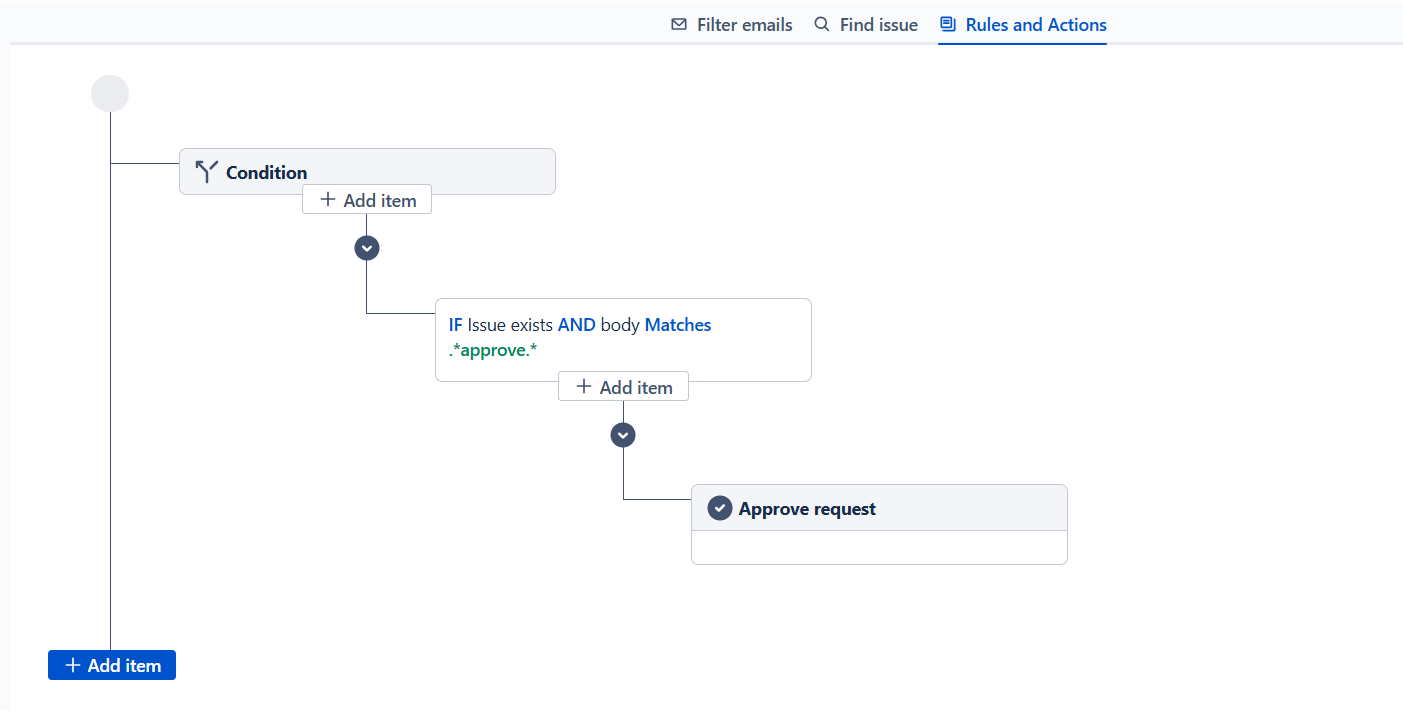
On the New Mail Handlers page, this setting looks like the following:
{% hint style="info" %}
Please be sure, to use this action where an issue is in the context. As a best practice, it is recommended to put it under an IF condition.
{% endhint %}