> For the complete documentation index, see [llms.txt](https://docs.meta-inf.hu/email-this-issue/llms.txt). Markdown versions of documentation pages are available by appending `.md` to page URLs; this page is available as [Markdown](https://docs.meta-inf.hu/email-this-issue/~/revisions/mYKQuRriMlSJeyH2TzSD/administration/email-this-issue-for-jira-cloud-mail-queue.md).
# Mail Queue
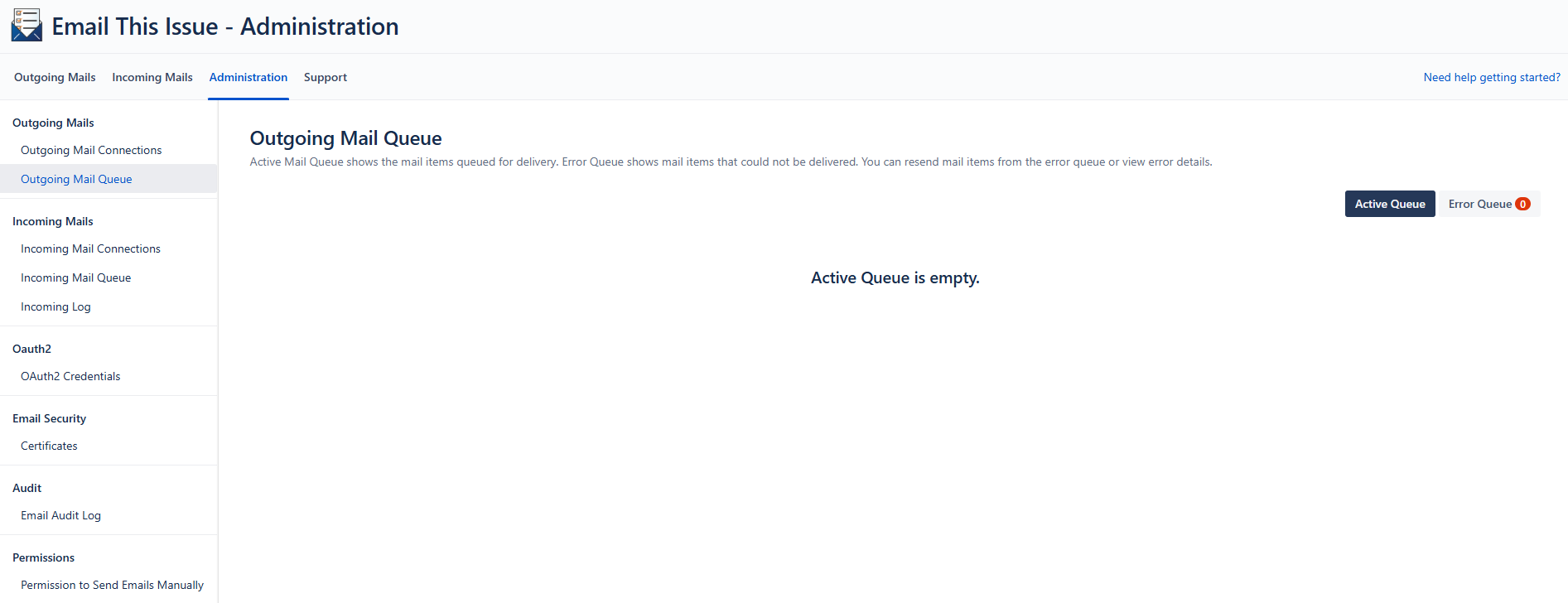
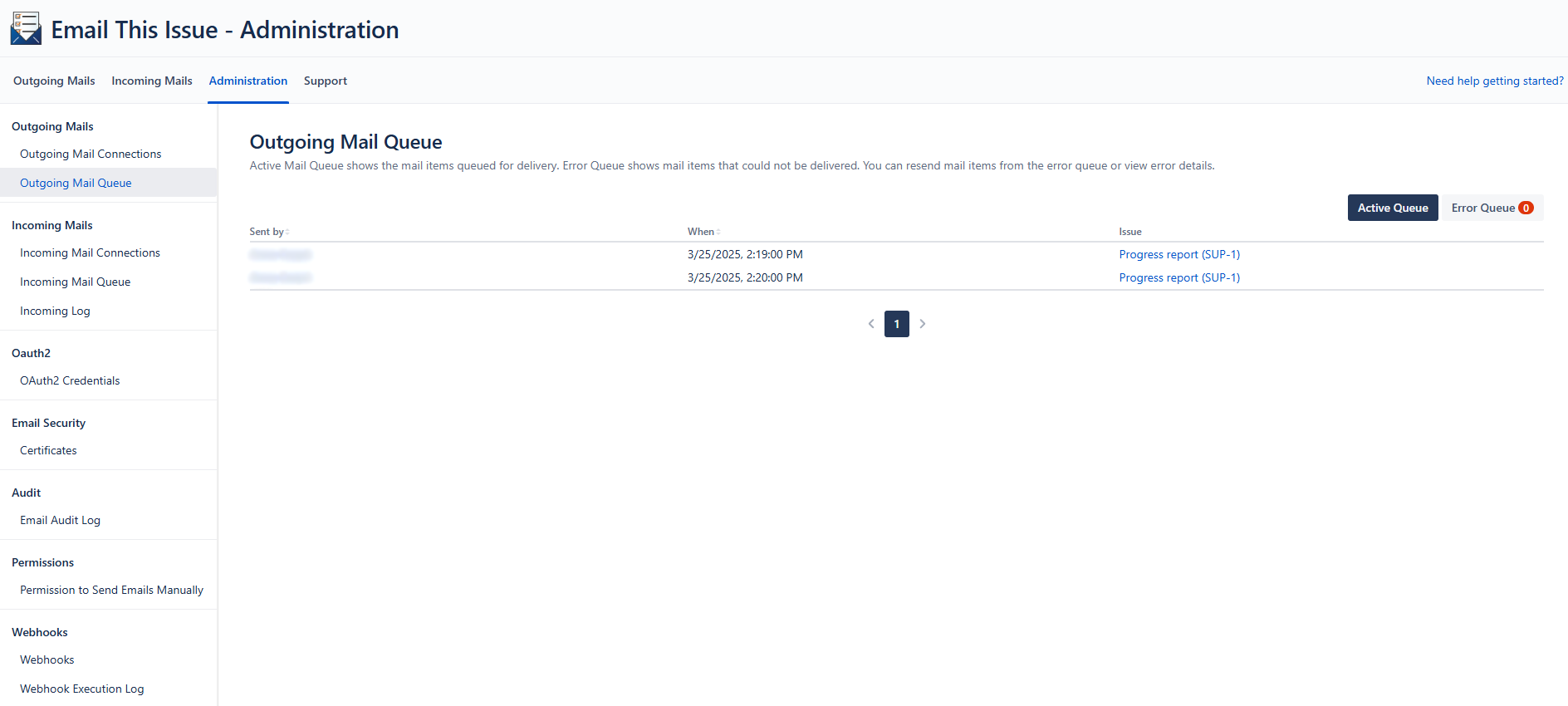
To access the list of the mail items that are being sent via Email This Issue, go to the **Administration** configuration tab, and choose **Outgoing** **Mail Queue** under the **OUTGOING MAILS** menu item.
Refresh the page by clicking the Active Queue button to show the current items.
Outgoing Mail Queue
Outgoing Mail Queue - Active Queue
## Error Queue
If an email cannot be sent due to some errors, it is placed on the **Error Queue**. The Error Queue contains detailed error information for each mail item and helps to detect the root cause of the error.
It is possible to resend the failed items by selecting them and clicking Requeue button on the top of the log entry list. Resending means that the mail item is placed on the mail queue for scheduled delivery.
Outgoing Mail Queue - Error Queue
#### Deleting and re-queuing failed emails
Outgoing Mail Queue - Select to Delete or Requeue
After selecting the mail items, by clicking the Delete button all selected log entries will be deleted permanently. By clicking the Requeue button all selected emails will be transferred to the Active Queue again.